

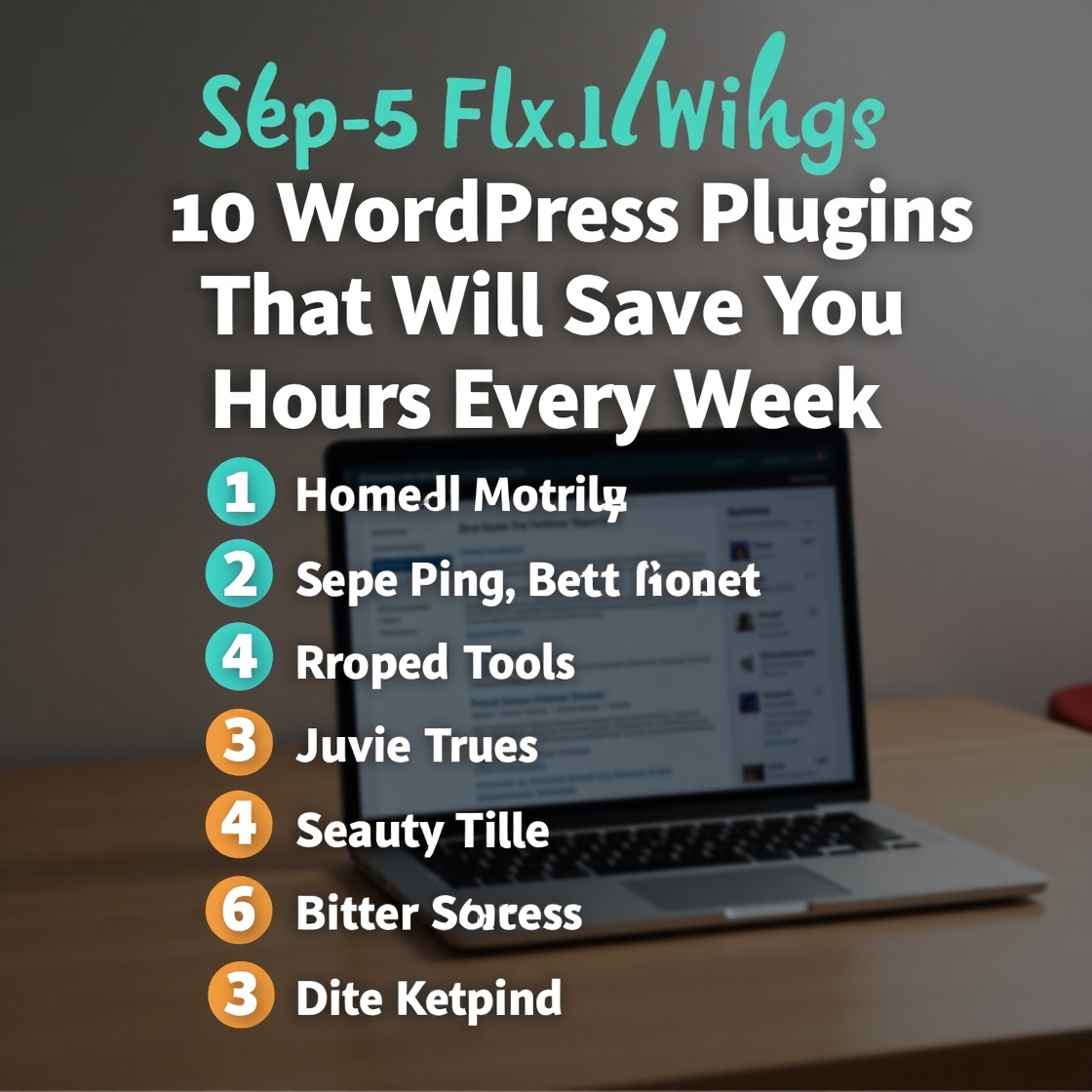
10 Time-Saving WordPress Plugins to Automate Your Workflow (And Reclaim 10+ Hours Weekly)
Tired of wasting precious hours on repetitive WordPress tasks? The right plugins can automate your workflows, eliminate manual processes, and give you back valuable time to focus on growing your business. Here are 10 carefully selected plugins that will revolutionize how you manage your WordPress site – saving you hours every single week.
Why Automation Matters for WordPress Users
- The average WordPress admin spends 6+ hours weekly on maintenance and content updates
- Automation reduces human error by 72% in website management
- Recovered time can be reinvested in revenue-generating activities
- Mental bandwidth is freed up for creative work vs. administrative tasks. Our YouTube channel; https://www.youtube.com/@easythemestore
The Ultimate Time-Saving WordPress Plugin Toolkit
1. ManageWP – Centralized Site Management
Saves: 3+ hours weekly on multi-site updates
Key Features:
- Update all plugins/themes across multiple sites with one click
- Automated backups and security checks
- Client reporting automation
- Performance monitoring
2. WP Rocket – Set-and-Forget Caching
Saves: 2 hours weekly on speed optimization
Why It’s Essential:
- One-click caching implementation
- Automatic file optimization (CSS/JS/HTML)
- Lazy loading for images/videos
- Preloading for instant page loads
3. Uncanny Automator – WordPress Automation
Saves: 5+ hours weekly on workflows
Powerful Automations:
- Auto-post content to social media
- Create user accounts from form submissions
- Send personalized emails based on user actions
- Connect WordPress to 100+ apps via Zapier
4. Advanced Cron Manager – Scheduled Task Control
Saves: 1 hour weekly on manual scheduling
Time Savers:
- Visual interface for all scheduled tasks
- Bulk edit/delete cron jobs
- Monitor task execution times
- Prevent missed scheduled posts
5. Gravity Forms – Smart Form Builder
Saves: 2 hours weekly on form management
Productivity Boosters:
- Save partial form entries automatically
- Pre-populate fields from user data
- Conditional logic for smart forms
- Payment integrations without coding
6. WP Mail SMTP – Reliable Email Delivery
Saves: 1 hour weekly troubleshooting emails
Must-Have Features:
- Fixes WordPress email deliverability
- Connects to proper SMTP services
- Email logging to track all sends
- Opens/clicks tracking
7. Duplicate Page – One-Click Content Cloning
Saves: 30 minutes per post/page creation
Why You Need It:
- Copy entire posts/pages with all elements
- Preserve all formatting and media
- Create templates for recurring content
- Works with custom post types
8. Wordfence – Automated Security
Saves: 2 hours weekly on security monitoring
Time-Protecting Features:
- Real-time firewall protection
- Malware scanning automation
- Login attempt limiting
- Security incident reports
9. EWWW Image Optimizer – Bulk Media Optimization
Saves: 1 hour weekly on image management
Key Benefits:
- Auto-optimizes new uploads
- Bulk compress existing media library
- WebP conversion
- Lazy loading implementation
10. WP Activity Log – Complete Change Tracking
Saves: 1 hour weekly troubleshooting changes
Valuable Insights:
- Records every site modification
- Tracks user actions
- Provides change timelines
- Integrates with Slack/email alerts
Implementation Strategy for Maximum Time Savings
- Start with WP Rocket and WP Mail SMTP (immediate performance/email fixes)
- Add ManageWP or MainWP for multi-site management
- Implement Uncanny Automator for workflow automation
- Install remaining plugins based on your pain points
Bonus: Estimated Weekly Time Savings
| Plugin | Time Saved Weekly |
|---|---|
| ManageWP | 3 hours |
| WP Rocket | 2 hours |
| Uncanny Automator | 5 hours |
| Gravity Forms | 2 hours |
| Others (combined) | 3.5 hours |
| Total | 15.5 hours |
Advanced Time-Saving Tips
- Combine plugins strategically (e.g., Automator + Gravity Forms = powerful workflows)
- Set up weekly automated reports to monitor time savings
- Document your processes to identify new automation opportunities
- Schedule monthly optimization reviews to find new efficiencies
Frequently Overlooked Time Wasters These Plugins Fix
❌ Manually checking site security
❌ Troubleshooting email delivery issues
❌ Creating similar content from scratch
❌ Updating multiple sites individually
❌ Optimizing images one-by-one
By implementing even half of these plugins, most WordPress users recover 8-10 hours weekly – that’s an entire workday you get back to focus on what really matters in your business.
Which time-consuming tasks would you most like to automate? Let me know your biggest WordPress pain points and I’ll recommend the perfect plugin combination for your specific needs!