

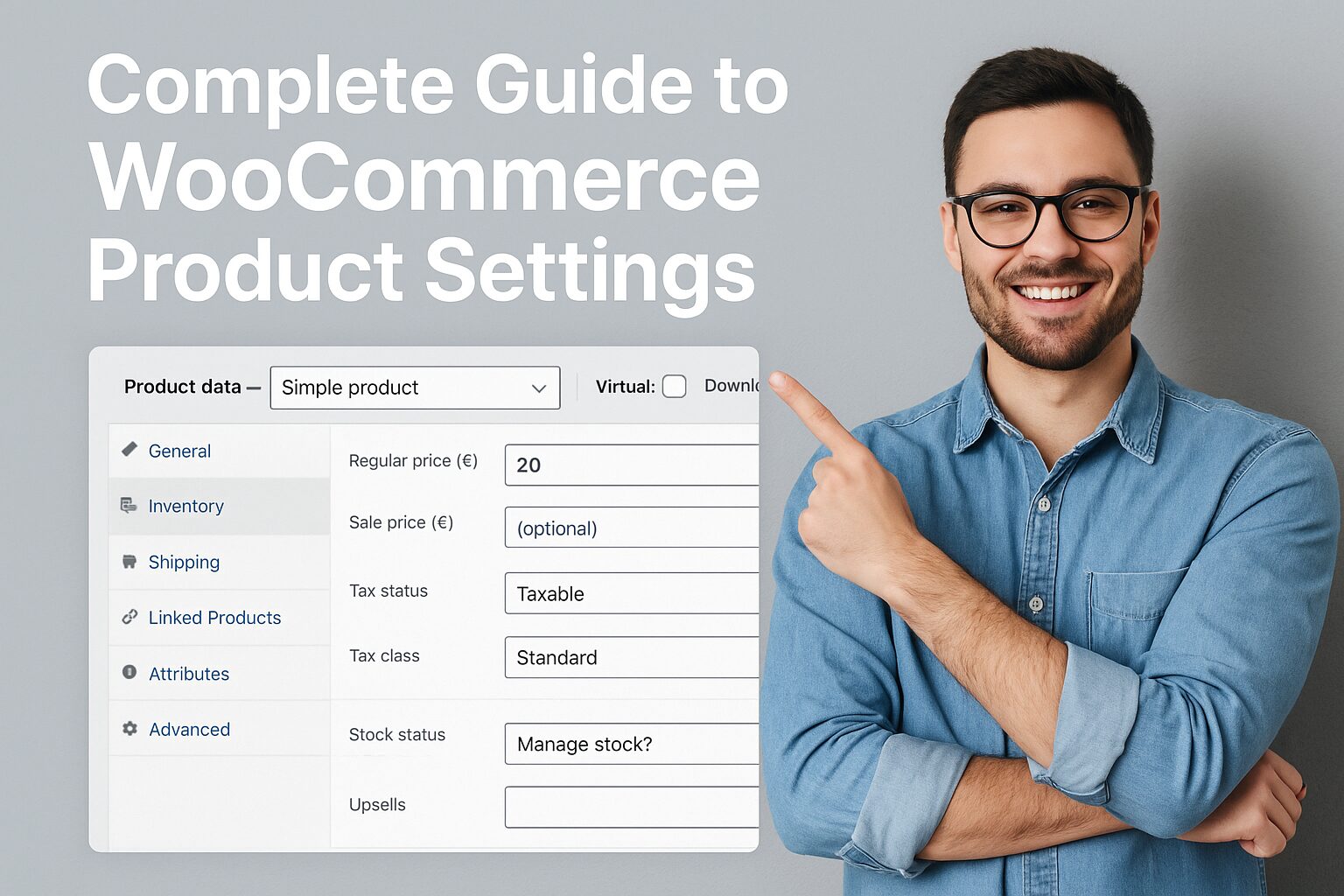
Complete Guide to WooCommerce Product Settings (2025 Masterclass)
WooCommerce powers over 28% of all online stores, but most merchants barely scratch the surface of its powerful product settings. This 3,000+ word guide reveals pro-level configurations to boost conversions, streamline management, and outshine competitors—whether you sell physical goods, digital downloads, or subscriptions.
1. Core Product Types: Choose Wisely
A. Simple Products
Best for: Standard items (e.g., t-shirts, books)
Key Settings:
- Regular Price vs Sale Price (schedule discounts)
- SKU (Stock Keeping Unit) for inventory tracking
- Weight/Dimensions (critical for shipping calculations)
- If you need further information: https://www.youtube.com/@easythemestore
B. Variable Products
Best for: Items with options (size, color, material)
Variations Example:
Color: [Red, Blue, Green]
Size: [S, M, L] → Generates 9 combos automaticallyPro Tip: Use Bulk Edit Variations to mass-update prices/stock.
C. Grouped Products
- Best for: Bundles (e.g., “Camera Kit” with body + lens + case)
- Trick: Set parent product as non-purchasable to force individual item selection.
D. External/Affiliate Products
- Best for: Dropshipping or Amazon associates
- Critical Setting: “Product URL” links to external store.
E. Subscription Products
Requires: WooCommerce Subscriptions plugin
Key Options:
- Billing interval (weekly/monthly/yearly)
- Free trial periods
- Sign-up fees
2. Advanced Product Data Configuration
Inventory Management
| Setting | Impact |
|---|---|
| Stock Status | “In stock”/”Out of stock” visibility |
| Sold Individually | Prevents bulk orders (e.g., limited editions) |
| Backorders | Allow purchases when stock = 0 |
| Low Stock Threshold | Triggers admin alerts (default: 2 items) |
Pro Move:
Enable Stock Management at Product Level for granular control.
Shipping Class Overrides
Create shipping rules for specific products:
Example:
“Fragile Items” → +$5 shipping fee
“Bulky Products” → Flat rate $15
Linked Products: Upsells & Cross-sells
Upsells: Premium alternatives (“You might also like”)
Example:
Basic Plan ($10) → Pro Plan ($25) upsellCross-sells: Complementary items (“Frequently bought together”)
Example:
Camera → Cross-sell memory card + tripod
Attributes & Filters
Global Attributes (reusable across products):
Color: Red, Blue, Green (for all apparel)Custom Attributes (product-specific):
Book Genre: Sci-Fi, RomanceFilter Visibility: Expose attributes in WooCommerce Product Filters.
3. Product Page Optimization (Conversion Boosters)
Pricing Psychology Tricks
Strikethrough Pricing:
$99 → <del>$149</del> $99 (37% “saved”)“From” Pricing for variables:
“From $19” (lowest variant price)
Media Gallery Strategies
- Zoom/Hover Effects: Enable in WooCommerce → Settings → Products → Display
- Video Embedding: Use YouTube URLs or Product Video plugins
- 360° Views: Requires plugins like WooCommerce 360° Image
Custom Tabs (For Detailed Info)
- Description Tab (Default)
- Additional Info Tab (Auto-filled from attributes)
Custom Tabs:
- “Materials”
- “Size Guide”
- “Reviews”
Code Snippet (Add tabs via functions.php):
add_filter('woocommerce_product_tabs', 'add_custom_tab');
function add_custom_tab($tabs) {
    $tabs['custom_tab'] = array(
        'title' => 'FAQ',
        'priority' => 50,
        'callback' => 'custom_tab_content'
    );
    return $tabs;
}
4. Global Product Settings (Dashboard)
A. WooCommerce → Settings → Products
- Catalog/Shop Page: Set default sorting (price/popularity)
- Measurements: Switch between kg/lb, cm/in
- Reviews: Enable/disable product ratings
B. Product Display
- Enable AJAX Add-to-Cart: Single-page checkout
- Placeholder Image: Upload if no product image exists
C. Downloadable Products
- File Download Limit: Prevent sharing abuse
- Access Expiration: Set time limits (e.g., 30-day downloads)
5. Pro-Level Customizations
Conditional Logic with WooCommerce
Use Cases:
- Show/hide fields based on product type
- Display custom checkout fields for specific categories
Plugin Solution: WooCommerce Conditional Logic
Dynamic Pricing Rules
Bulk Discounts:
Buy 5+ → 10% off
Buy 10+ → 20% offRole-Based Pricing: Wholesale vs retail
Tool: WooCommerce Dynamic Pricing
Product Schema Markup
Boost SEO with structured data:
<script type="application/ld+json">
{
  "@context": "https://schema.org/",
  "@type": "Product",
  "name": "Organic Cotton T-Shirt",
  "image": "https://example.com/pic.jpg",
  "offers": {
    "@type": "Offer",
    "price": "29.99",
    "priceCurrency": "USD"
  }
}
</script>
6. Troubleshooting Common Issues
❌ Variations Not Showing?
- Verify all attributes are set to “Used for variations”
- Check for conflicting plugins
❌ Inventory Not Updating?
- Disable caching plugins during testing
- Ensure WP Cron is running
❌ Download Links Broken?
- Set correct file permissions (644 for files)
- Avoid special characters in filenames
Final Checklist for Launch
✅ Assigned correct product type
✅ Added high-res images + zoom
✅ Configured inventory/shipping rules
✅ Set up upsells/cross-sells
✅ Tested purchase flow on mobile/desktop
Pro Tip: Use WooCommerce Product CSV Import Suite to bulk-edit 500+ products efficiently.