

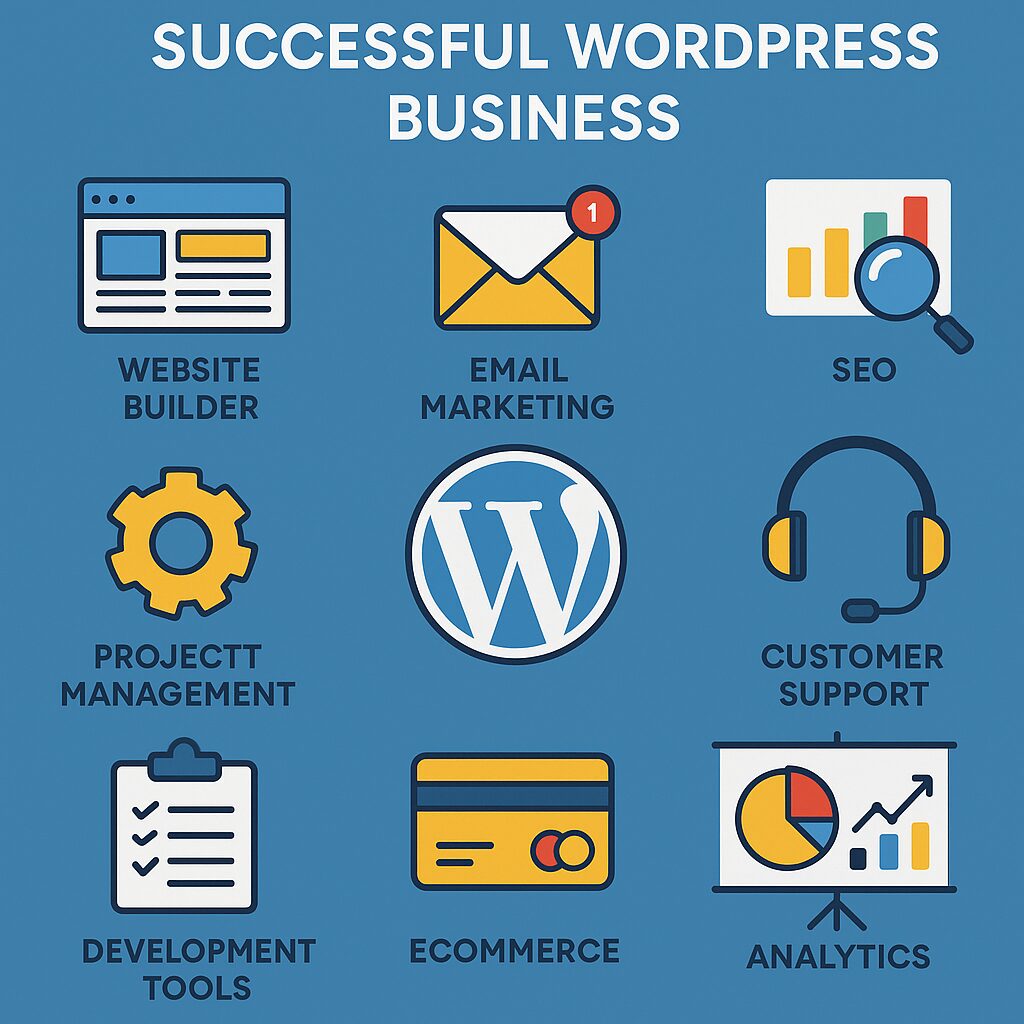
Essential Tools for Running a Successful WordPress Business
Running a successful WordPress business—whether you sell plugins, themes, web design services, or managed hosting—requires the right set of tools. From development and design to marketing and customer support, having the best software and resources can streamline your workflow, improve efficiency, and boost profitability.
In this guide, we’ll explore the must-have tools for WordPress entrepreneurs, covering:
- Development & Design Tools
- Performance & Security
- Marketing & SEO
- Customer Support & Management
- Automation & Productivity
Let’s dive in!
1. Development & Design Tools
Local Development Environments
Before pushing changes live, you need a safe space to test. These tools help:
- Local by Flywheel (Free) – A fast, user-friendly local WordPress setup.
- DevKinsta (Free) – Ideal for testing sites before deploying on Kinsta hosting.
- WP Engine’s Local – Great for staging sites before launch.
Code Editors & IDE
Writing clean, efficient code is crucial. Popular options:
- VS Code (Free) – Lightweight, customizable, with extensions for PHP, CSS, and JS.
- PHPStorm (Paid) – Advanced IDE for professional developers.
- Atom (Free) – A flexible, open-source editor.
Page Builders & Design Tools
If you sell themes or offer design services, these tools help:
- Elementor Pro – Drag-and-drop builder for custom layouts.
- Beaver Builder – Another great alternative for no-code design.
- Figma/Adobe XD – For designing mockups before development.
2. Performance & Security Tools
Speed Optimization
A slow site loses customers. Optimize with:
- WP Rocket (Caching plugin) – Improves load times instantly.
- Cloudflare (CDN & Security) – Speeds up global traffic.
- Imagify/Smush – Compress images without losing quality.
Security & Backups
Hacks can ruin your business. Protect it with:
- Wordfence/Sucuri – Malware scanning & firewall protection.
- UpdraftPlus – Automated backups to Google Drive/Dropbox.
- Jetpack Security – All-in-one security suite.
3. Marketing & SEO Tools
SEO Plugins & Analytics
Ranking higher means more sales. Use:
- Rank Math/Yoast SEO – On-page optimization made easy.
- Google Search Console – Track search performance.
- Ahrefs/Ubersuggest – Keyword research & competitor analysis.
Email Marketing & Automation
Turn visitors into customers with:
- ConvertKit/Mailchimp – Easy email campaigns.
- OptinMonster – High-converting popups & lead forms.
- ActiveCampaign – Advanced automation for scaling businesses.
4. Customer Support & Management
Helpdesk & Live Chat
Great support = happy customers. Try:
- LiveChat/Zendesk – Professional ticketing systems.
- Tidio – AI-powered live chat for instant replies.
- Help Scout – Simple, email-based support.
Project & Client Management
Stay organized with:
- Trello/Asana – Task management for teams.
- Monday.com – Visual project tracking.
- Pipedrive/HubSpot – CRM for managing leads & clients.
5. Automation & Productivity Boosters
Workflow Automation
Save time with:
- Zapier/Make (Integromat) – Connect apps without coding.
- Advanced Custom Fields (ACF) – Customize WordPress efficiently.
- Gravity Forms – Automate form submissions & workflows.
AI & Content Tools
Speed up content creation with:
- ChatGPT/Grammarly – Writing assistance.
- Canva – Quick graphics for social media.
- Descript/Murmur – AI voiceovers for video tutorials.
Final Thoughts
Running a profitable WordPress business isn’t just about great products—it’s about efficiency, security, and customer satisfaction. By leveraging the right tools, you can automate repetitive tasks, improve performance, and scale your business faster.
What’s Next?
- Want a deep dive into any of these categories? Let us know!
- Looking for WordPress business tips? Check out our YouTube channel: https://www.youtube.com/@easythemestore.
Which tools do you currently use? Any favorites we missed? Share in the comments! 🚀