

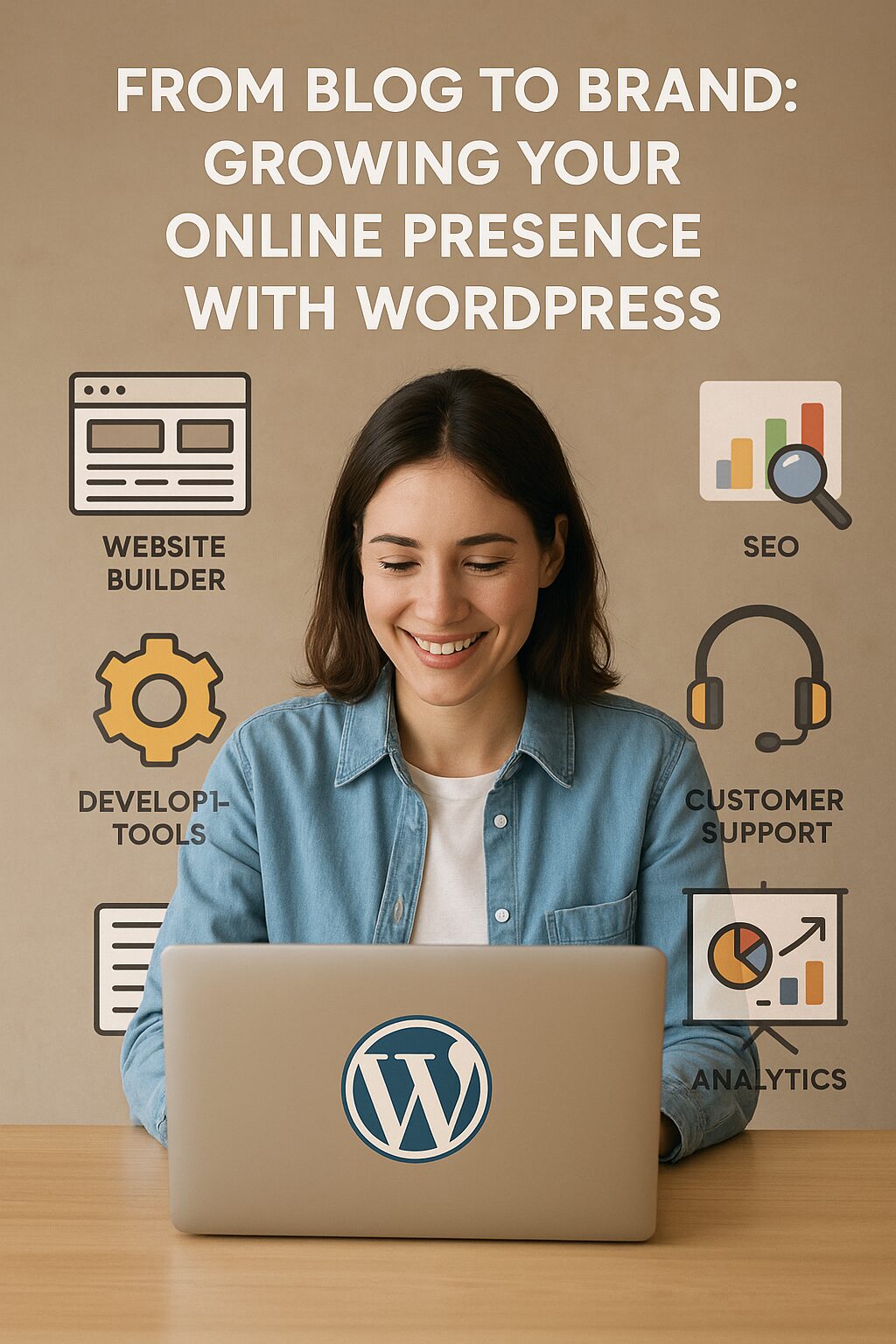
From Blog to Brand: Growing Your Online Presence with WordPress
In today’s digital age, having a strong online presence is essential for individuals and businesses alike. Whether you’re a blogger, entrepreneur, or creative professional, transforming your blog into a recognizable brand can open doors to new opportunities, increased engagement, and financial success. WordPress, the world’s most popular content management system (CMS), provides the perfect platform to build, grow, and scale your brand effectively.
Why WordPress?
WordPress powers over 40% of all websites on the internet, and for good reason. It offers:
- User-friendly interface – No coding knowledge required.
- Customization & flexibility – Thousands of themes and plugins to fit any niche.
- SEO-friendly structure – Helps you rank higher on search engines.
- Scalability – Grow from a simple blog to a full-fledged e-commerce or membership site.
- Strong community & support – Access to tutorials, forums, and developers.
How to Transition from Blog to Brand
1. Define Your Brand Identity
Before you can grow, you need a clear vision. Ask yourself:
- What is your mission and unique value proposition?
- Who is your target audience?
- What tone, style, and visuals represent your brand?
Your brand identity should be reflected in your website design, content, and social media presence.
2. Choose the Right WordPress Theme & Design
First impressions matter. A professional, visually appealing website builds credibility.
- Select a responsive theme (looks great on all devices).
- Customize with your brand colors, fonts, and logo.
- Optimize for speed and user experience (slow sites lose visitors).
Popular themes like Astra, Divi, or GeneratePress offer great customization options.
3. Create High-Quality, Consistent Content
Content is the backbone of your brand. To stand out:
- Publish valuable, engaging posts (how-tos, tutorials, industry insights).
- Use multimedia (images, videos, infographics).
- Maintain a consistent posting schedule (builds audience trust).
Plugins like Yoast SEO and Rank Math can help optimize your content for search engines.
4. Monetize Your Brand
Once you have an audience, explore revenue streams:
- Affiliate marketing (promote products and earn commissions).
- Sponsored posts & collaborations (partner with brands).
- Sell digital products (eBooks, courses, templates).
- Membership sites (exclusive content for subscribers).
- E-commerce (WooCommerce) – Sell physical or digital goods.
5. Leverage Social Media & Email Marketing
Your WordPress site should integrate with:
- Social media (auto-share posts, engage with followers).
- Email marketing (build a subscriber list with Mailchimp, ConvertKit, or FluentCRM).
6. Optimize for SEO & Traffic Growth
To attract organic traffic:
- Use keyword research tools (Ahrefs, Ubersuggest).
- Improve on-page SEO (meta titles, descriptions, internal linking).
- Build backlinks (guest posting, collaborations).
7. Analyze & Adapt
Track performance with Google Analytics and Google Search Console. Adjust your strategy based on data—what content performs best? Where is traffic coming from?