

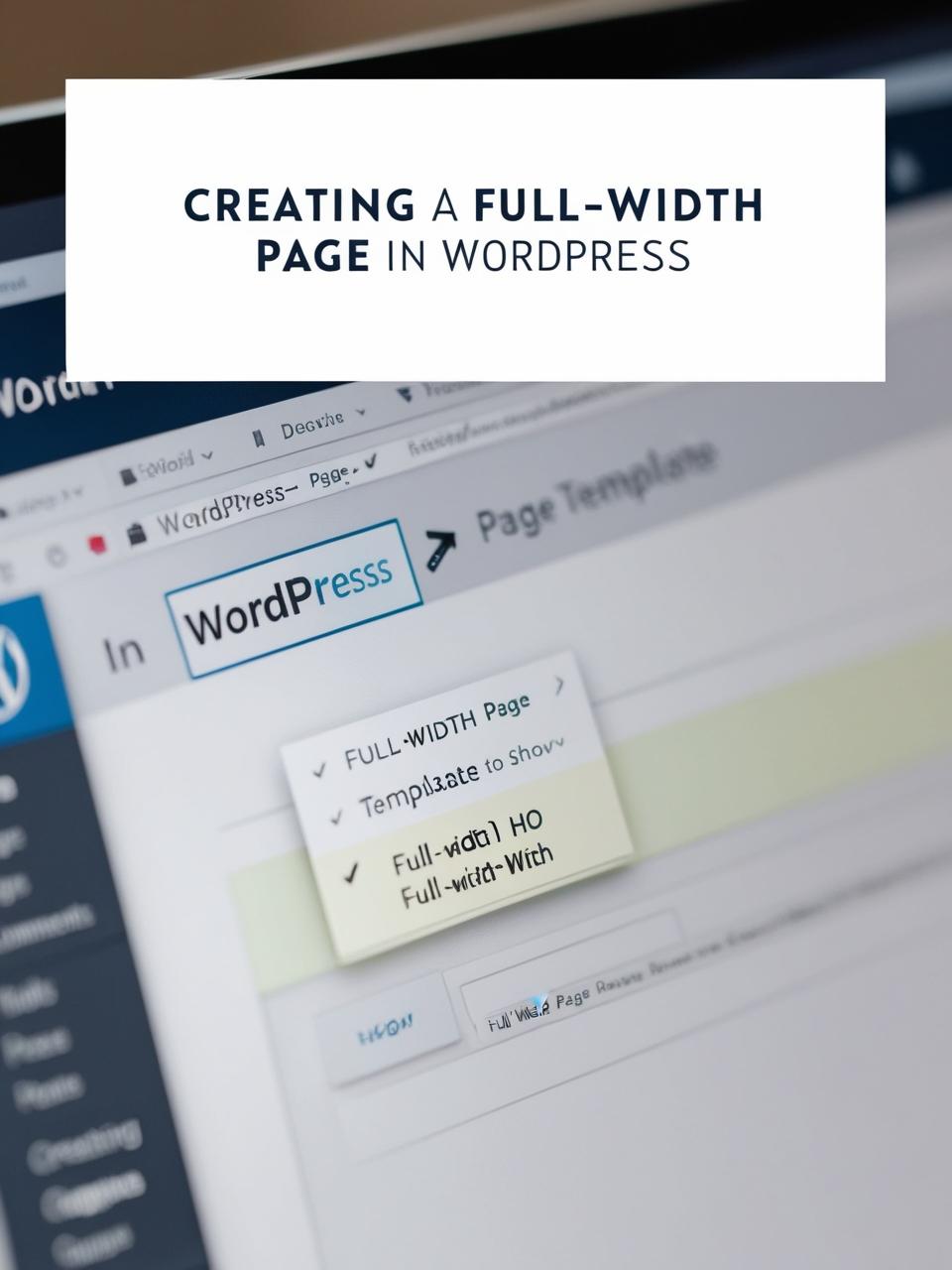
Building a Full-Width Layout in WordPress: A Step-by-Step Guide
Many WordPress themes restrict content to a narrow container by default, but sometimes you need a full-width page for sliders, galleries, landing pages, or other design-focused content. Whether you’re using the Block Editor (Gutenberg), Elementor, or another page builder, this guide covers all methods to create a seamless full-width layout.
https://www.youtube.com/@easythemestore, our YouTube channel!
Why Use a Full-Width Page?
Before diving into the steps, let’s explore why full-width pages are useful:
✅ Better Visual Impact – Ideal for hero sections, galleries, and video backgrounds.
✅ Modern Design Trends – Many minimalist and corporate sites use full-width layouts.
✅ Improved Engagement – Eliminates distractions by removing sidebars and margins.
✅ Landing Page Optimization – Perfect for sales pages, coming soon screens, and portfolios.
Method 1: Using the WordPress Block Editor (Gutenberg)
If you’re using the default WordPress editor, follow these steps:
1. Choose a Full-Width Template
- Edit your page and look for “Template” in the right sidebar.
- Select “Full Width” or “Canvas” (varies by theme).
2. Use a Full-Width Block
- Add a “Group” or “Cover” block.
- Under “Layout” settings, set “Full Width” or “Stretch to Full Width”.
3. Disable Sidebar (If Needed)
- Go to Appearance → Widgets and remove sidebar widgets.
- Alternatively, use a theme without a sidebar (e.g., Astra, GeneratePress).
Method 2: Using a Page Builder (Elementor, Divi, Beaver Builder)
Page builders make full-width designs easier with drag-and-drop controls.
For Elementor Users:
- Create a new page with Elementor.
- Under Page Settings → Layout, choose “Full Width”.
- Use “Section” settings to stretch content edge-to-edge.
For Divi Users:
- Enable the “Fullwidth” option in the Divi Builder.
- Use “Fullwidth Sections” for seamless layouts.
Method 3: Custom CSS (For Advanced Users)
If your theme doesn’t support full-width pages, add this Custom CSS (via Appearance → Customize → Additional CSS):
.page-template-fullwidth #content {
    max-width: 100% !important;
    padding: 0 !important;
}
Best Themes for Full-Width Pages
- Astra (Lightweight & customizable)
- GeneratePress (Performance-optimized)
- OceanWP (Great for landing pages)
- Divi & Elementor Hello Theme (Built for page builders)
Final Tips for a Perfect Full-Width Page
✔ Test on Mobile – Ensure responsiveness.
✔ Optimize Images – Large images can slow down full-width sections.
✔ Use a Page Builder – Simplifies design control.
Need help troubleshooting? Drop a comment below! 🚀